

Latest Version
Core Infotech
Shopping
Windows
Free
9nfq537q4jmr
Report a Problem
More About TextCompare
The Ultimate Multi-Format Diff Checker Tool
When managing documents, spreadsheets, and visual assets, finding subtle variations between files can feel like searching for a needle in a haystack. The TextCompare diff checker tool offers a robust solution for Windows users who need to identify discrepancies across multiple formats. Developed by Core Infotech, this lightweight utility stands out by moving far beyond standard plain-text comparison to deliver a versatile, all-in-one file audit environment.
Versatile Format Support
While most comparison tools limit you to basic text files, the TextCompare diff checker tool is engineered to handle a diverse array of media and document types. This makes it an invaluable asset for professionals who handle mixed media and complex data structures daily. Supported formats include:
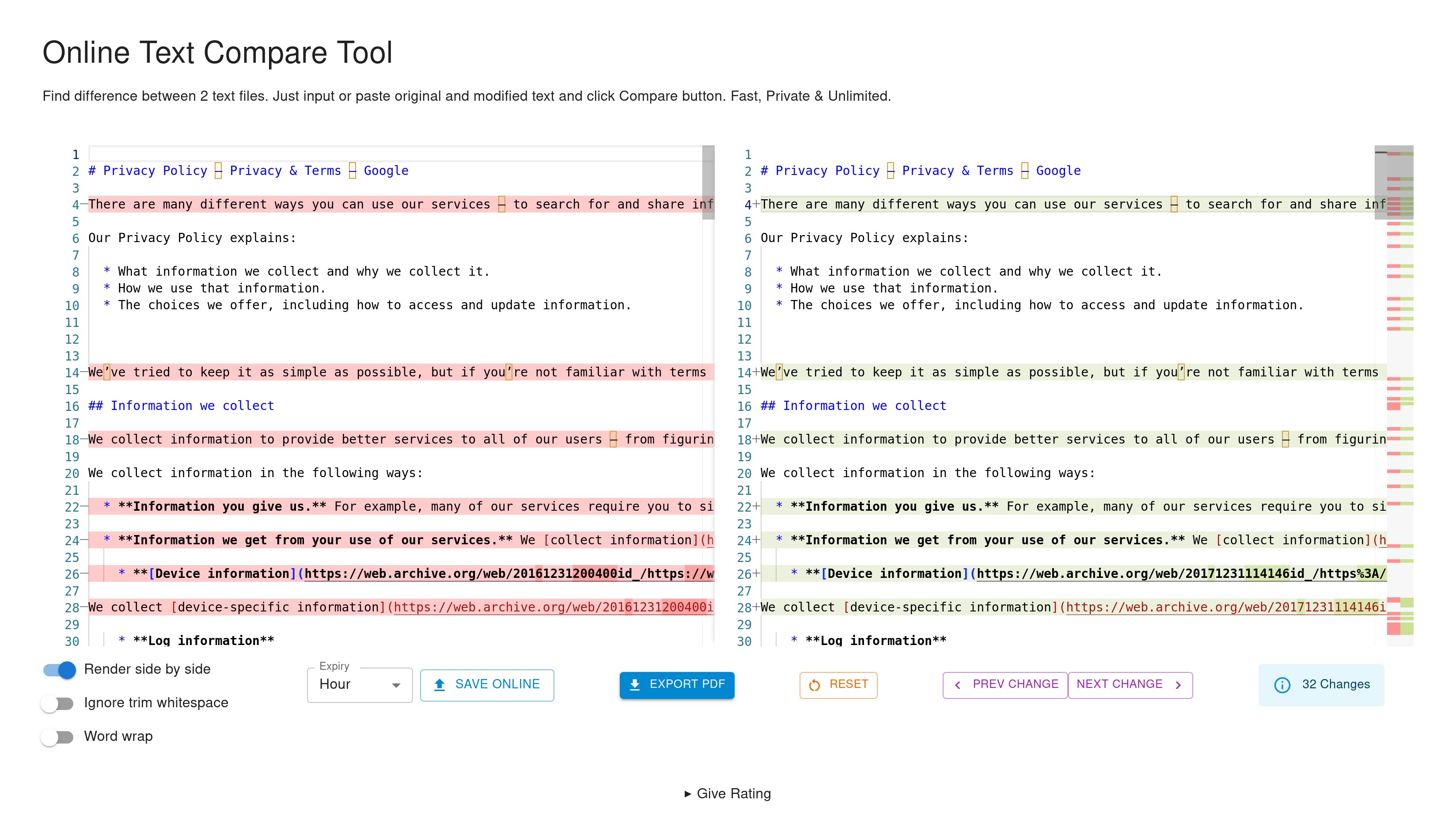
- Standard Text: Instantly compare code snippets, draft copy, or system logs.
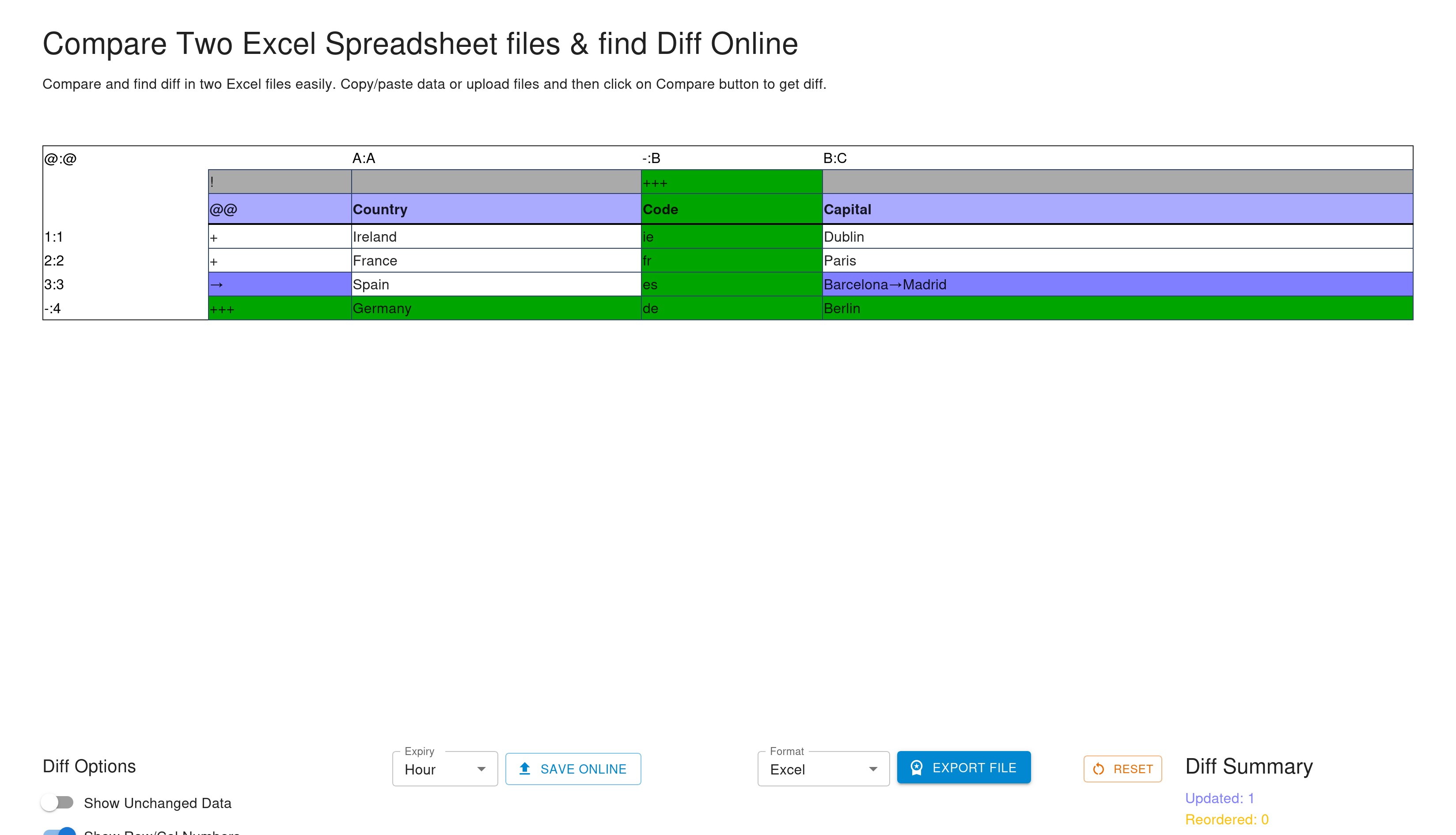
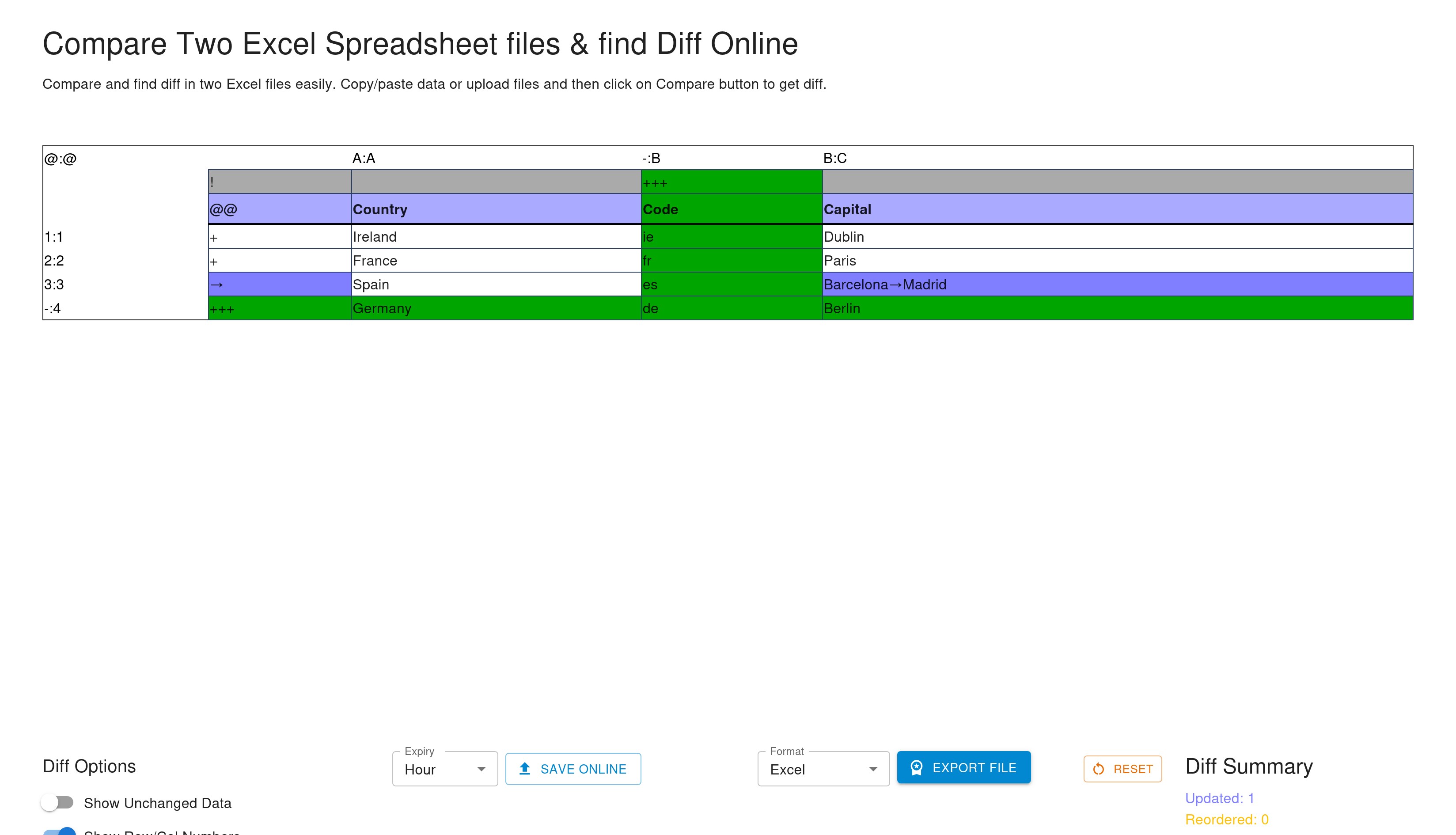
- Spreadsheets: Track changes across complex Excel sheets and data tables.
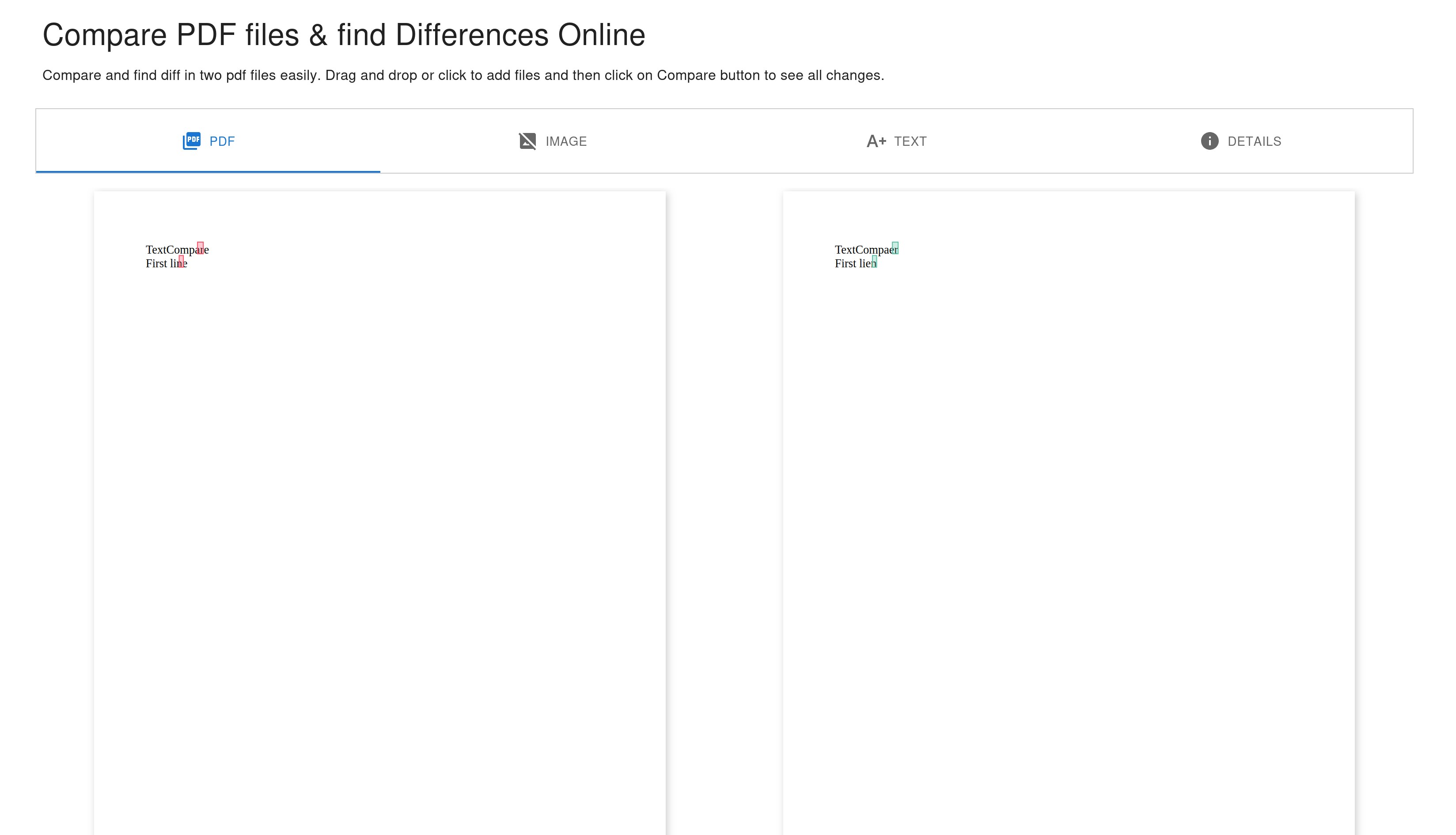
- PDF Documents: Cross-reference multi-page reports and legal drafts side-by-side.
- Images: Visually pinpoint pixel-level modifications between two graphic files.
Secure, Temporary Sharing and Exporting
In addition to its core analysis engine, the TextCompare diff checker tool provides sophisticated options for collaboration and reporting. If you need to share your findings with colleagues or clients, you can generate public sharing links that feature customizable expiry times, ensuring your data is automatically deleted after a set period. For offline workflows or private archiving, the application supports exporting your detailed diff reports directly into PDF, Excel, or image formats, giving you complete control over how your data is distributed.
Is It Right for You?
Whether you are a developer reviewing code, an editor proofing documents, or an analyst audit-checking financial spreadsheets, this software streamlines the tedious process of manual verification. It eliminates the need to jump between separate programs for different file types, consolidating your entire review workflow into a single, cohesive desktop interface.
To experience this powerful utility firsthand, head over to the official Microsoft Store to explore the application and add it to your productivity toolkit.
Rate the App
User Reviews








Popular Apps










Editor's Choice