

Latest Version
KDE
Games
Linux
Free
org.kde.knights
Report a Problem
More About KNights
An In-Depth Look at the KNights Chess Game
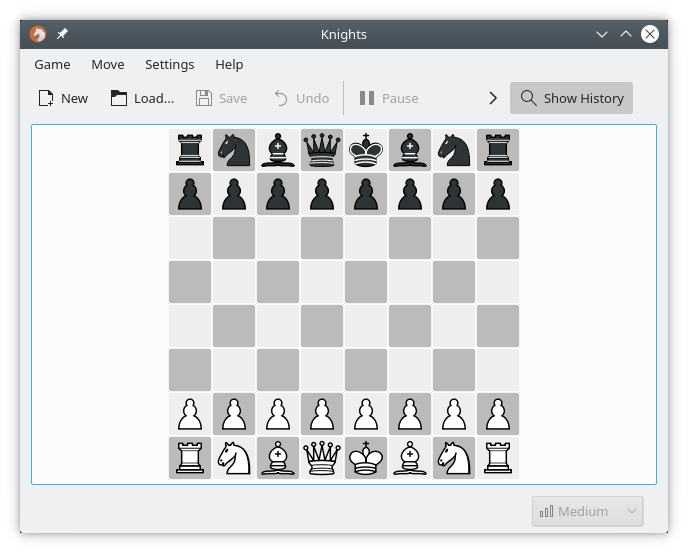
For open-source enthusiasts and tactical thinkers, finding a robust digital chessboard is essential. The KNights chess game, developed by the trusted KDE community, stands out as a premier graphical interface for Linux users. Whether you want to sharpen your tactics against a local opponent or test your skills on global servers, this application provides a highly polished and feature-rich environment to match your playing style.
Versatile Play Modes for Every Chess Enthusiast
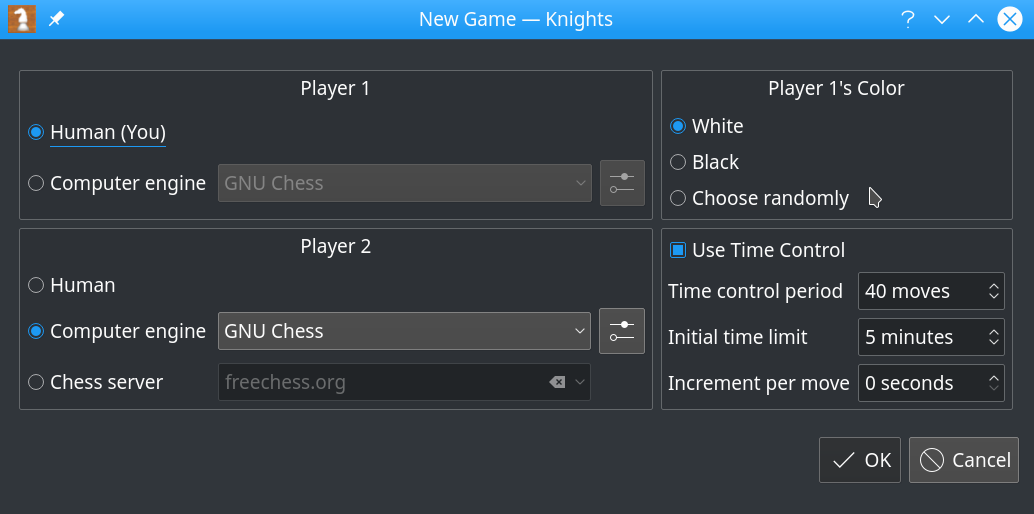
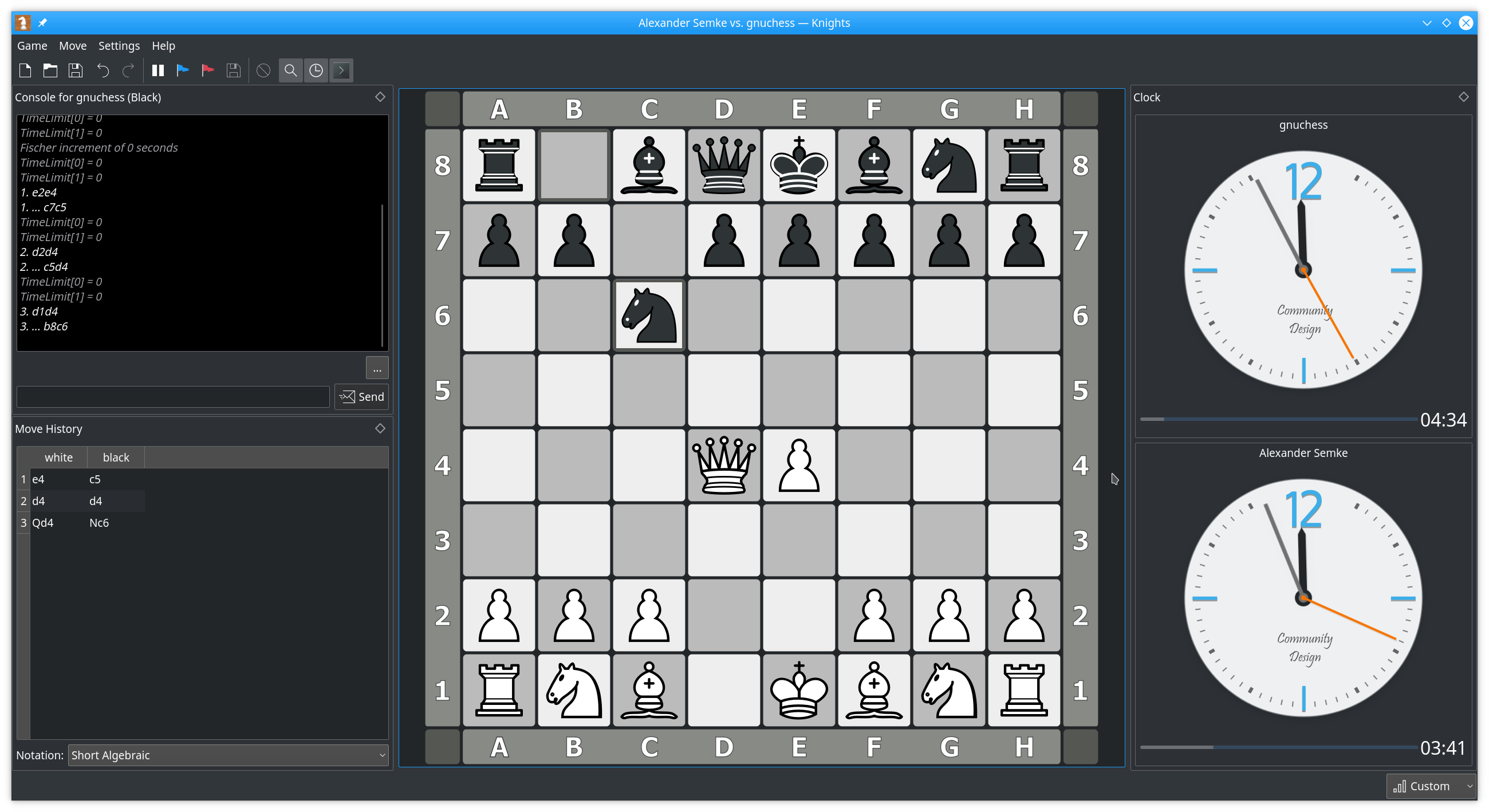
The core strength of the KNights chess game lies in its adaptability. It is not just a simple local board; it serves as a central hub for various play styles:
- Local Multiplayer: Challenge a friend directly on the same computer with smooth, local turn-based play.
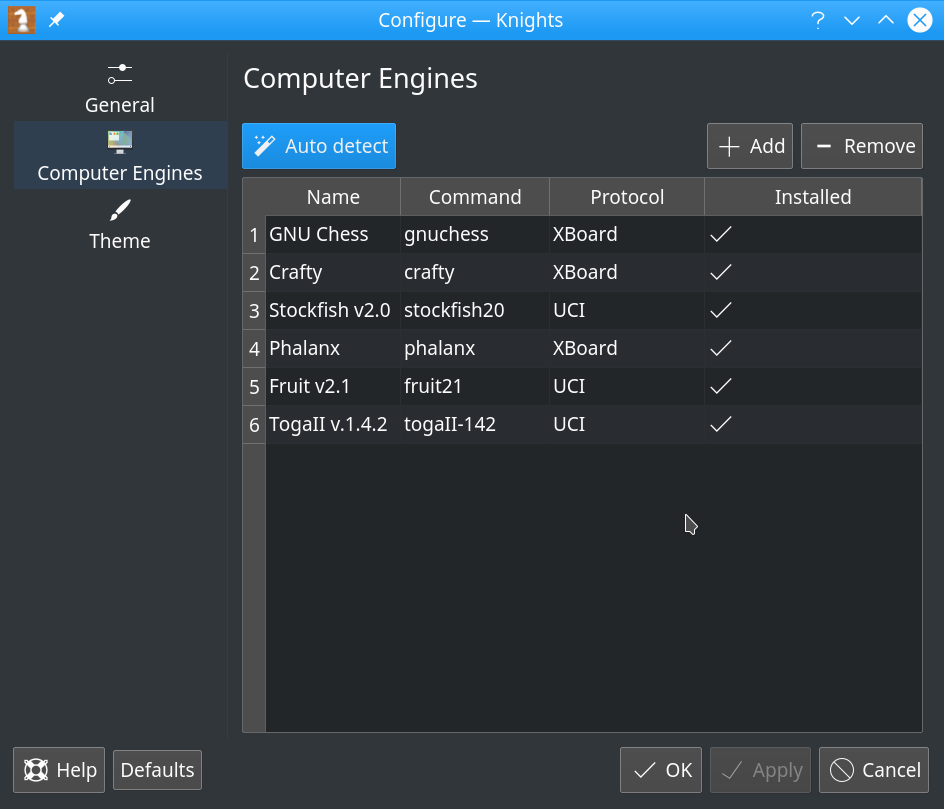
- Engine Integration: Play against advanced computer programs utilizing either the XBoard or UCI protocols, making it compatible with industry-standard engines like Stockfish.
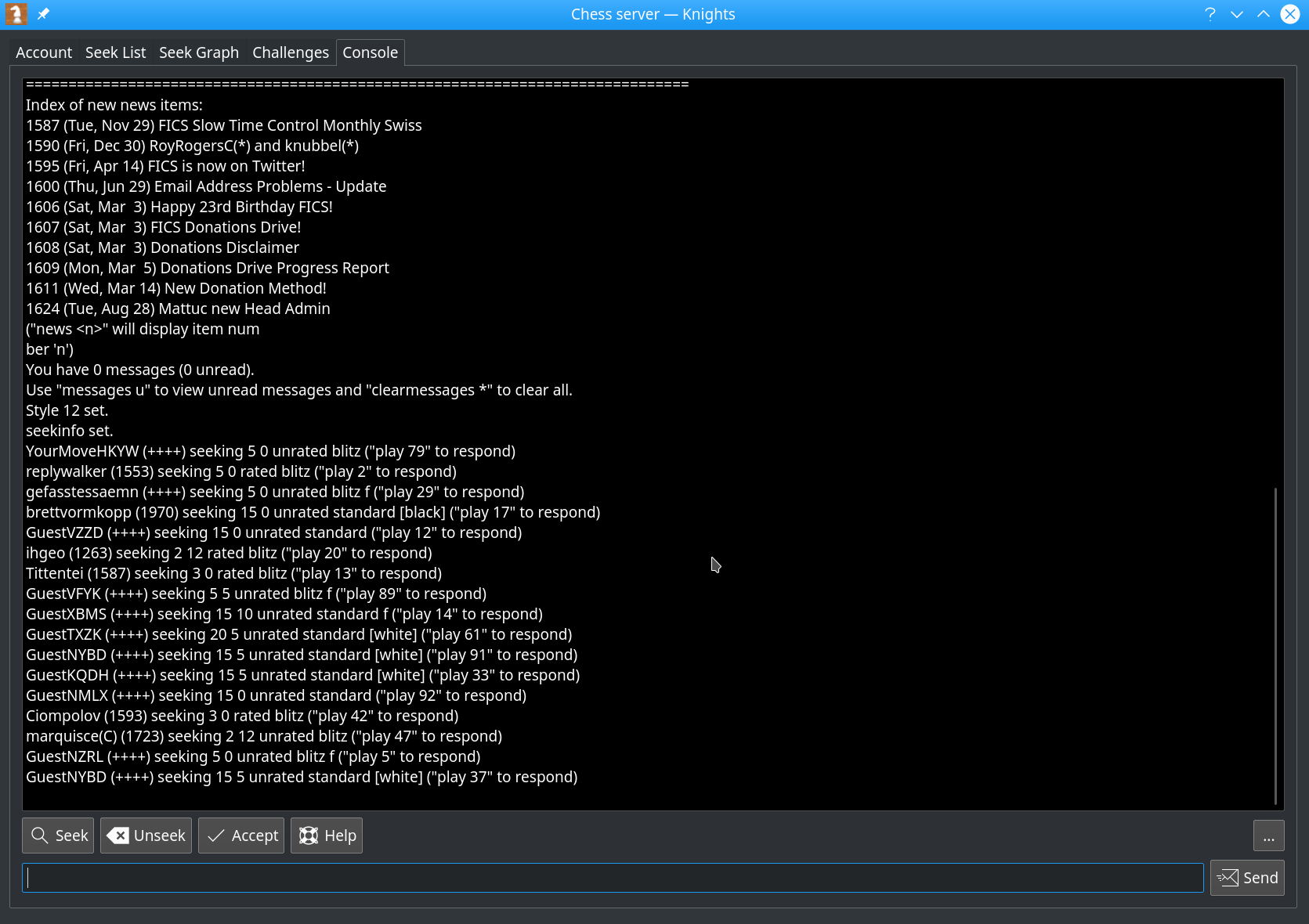
- Online Matchmaking: Connect directly to the Free Internet Chess Server (FICS) to challenge global players, utilizing built-in chat widgets, text consoles, and seek graphs.
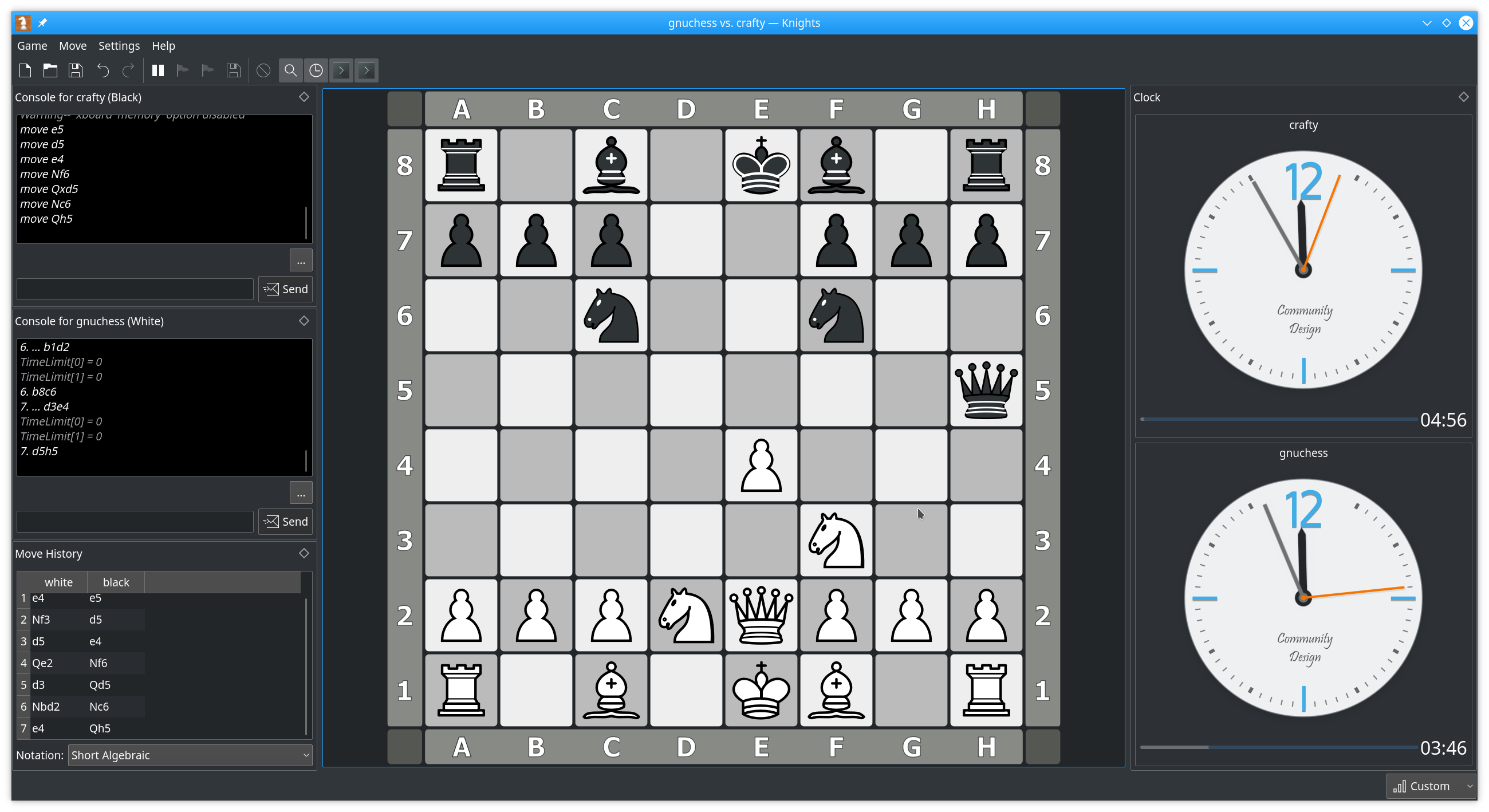
- Engine Spectating: Load two different computer engines and watch them battle to analyze complex strategic maneuvers.
Advanced Features and Interface Customization
The KNights chess game is designed to assist both beginners and grandmasters. It includes built-in legal move checking alongside visual markers that highlight potential moves, the opponent's last move, and active check threats. Players can customize their visual experience with multiple board themes downloadable directly from the app, adjust move animations, and use Plasma-styled clocks for precise time control.
For those looking to study their matches, the application fully supports saving and loading Portable Game Notation (PGN) files, offering complete undo and redo capabilities. Accessibility is also prioritized with a spoken moves feature and the ability to control the interface via D-Bus.
Is This Chess Client Right for You?
If you are running a Linux distribution and want a clean, highly configurable chess client that bridges the gap between local engine analysis and online server play, this tool is an exceptional choice. To experience its advanced features and start playing, visit the official Flathub store page to get the application for your Linux system.
Rate the App
User Reviews












Popular Apps










Editor's Choice